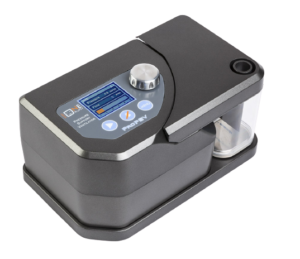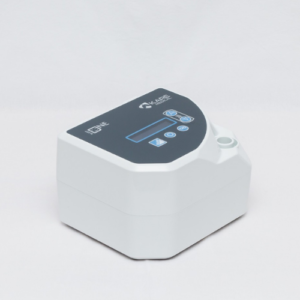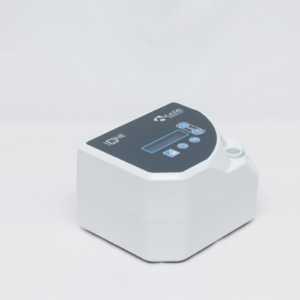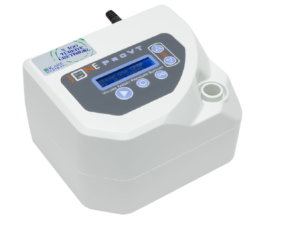
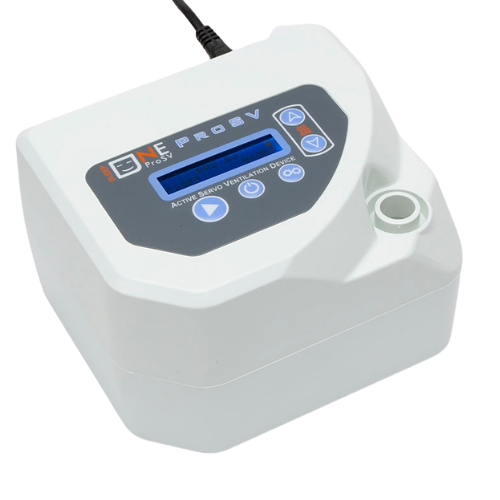
How does SleepOne ProSV adjust the pressure?
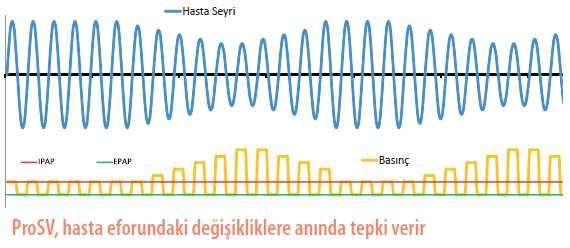
SleepOne ProSV monitors the change in each breath of the patient and adjusts the pressure and the respiratory rate accordingly. The target is to keep patient flow at 90%, relative to a 3-minute moving average.
In the normal cycle, where respiratory effort is at its lowest, the pressure also stays at its lowest level. If there is no respiratory effort, the backup respiratory rate takes over.
When there are no events, SleepOne ProSV lowers the pressure.
Which events does SleepOne ProSV respond to, and how?
SleepOne ProSV classifies events according to the measured patient flow. SleepOne ProSV responds to obstructive apnea and hypopnea with a pressure increase after more than one event.
| Event | Response |
|---|---|
| Obstructive apnea | EPAP change |
| Hypopnea | EPAP change |
| Snoring | EPAP change |
| Drop in patient flow | Pressure support change |
| Complex apnea | Airway obstruction test |
| High leak | Flagged for reporting |
| Periodic breathing | Flagged for reporting |
| Low frequency | Flagged for reporting |
No pressure response is given during complex apnea; an airway obstruction test is performed. High leak and periodic breathing are recorded for reporting.
Which modes does SleepOne ProSV work in?
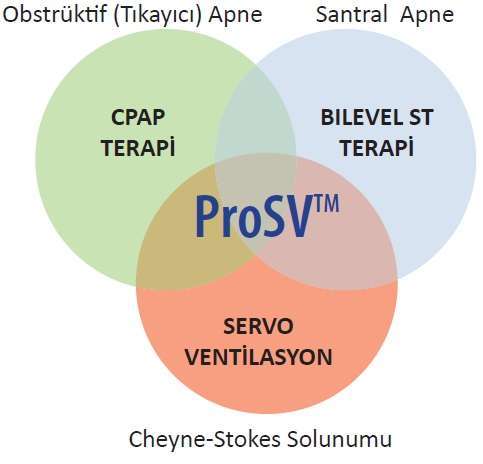
SleepOne ProSV works in ProSV and CPAP modes. In CPAP mode, SleepOne ProSV can also work as servo ventilation (minimum pressure support 0).
- Automatic pressure support
- Automatic EPAP
- Automatic trigger speed
What are the technical specifications of SleepOne ProSV?
| Specification | Value |
|---|---|
| Pressure range | 4-35 cmH2O |
| Operating mode | ProSV (Active Servo Ventilation), CPAP |
| Ventilation type | Leak ventilation |
| Voltage | 100-240 V AC |
| Humidifier | SleepOne Heated Humidifier (optional) |
| Automatic pressure support | Yes |
| Automatic EPAP | Yes |
| Automatic trigger speed | Yes |
| CPAP mode | Can also work as servo ventilation |